Cursor
One of the first AI-native code editors, built on a VS Code fork
✨ New Features
Manage agents in our new editor, with a sidebar for your agents and plans. Run up to eight agents in parallel on a single prompt. This uses git worktrees or remote machines to prevent file conflicts. Each agent operates in its own isolated copy of your codebase. Video: https://cdn.sanity.io/files/2hv88549/production/cc6e8a2fca02ef08eb9ca502e7f0b353fbc2e15f.mp4
Introducing our first agentic coding model. Composer is a frontier model that is 4x faster than similarly intelligent models. Video: https://cdn.sanity.io/files/2hv88549/production/15ea68849329eaf054be1b8fc7010b6f87696960.mp4
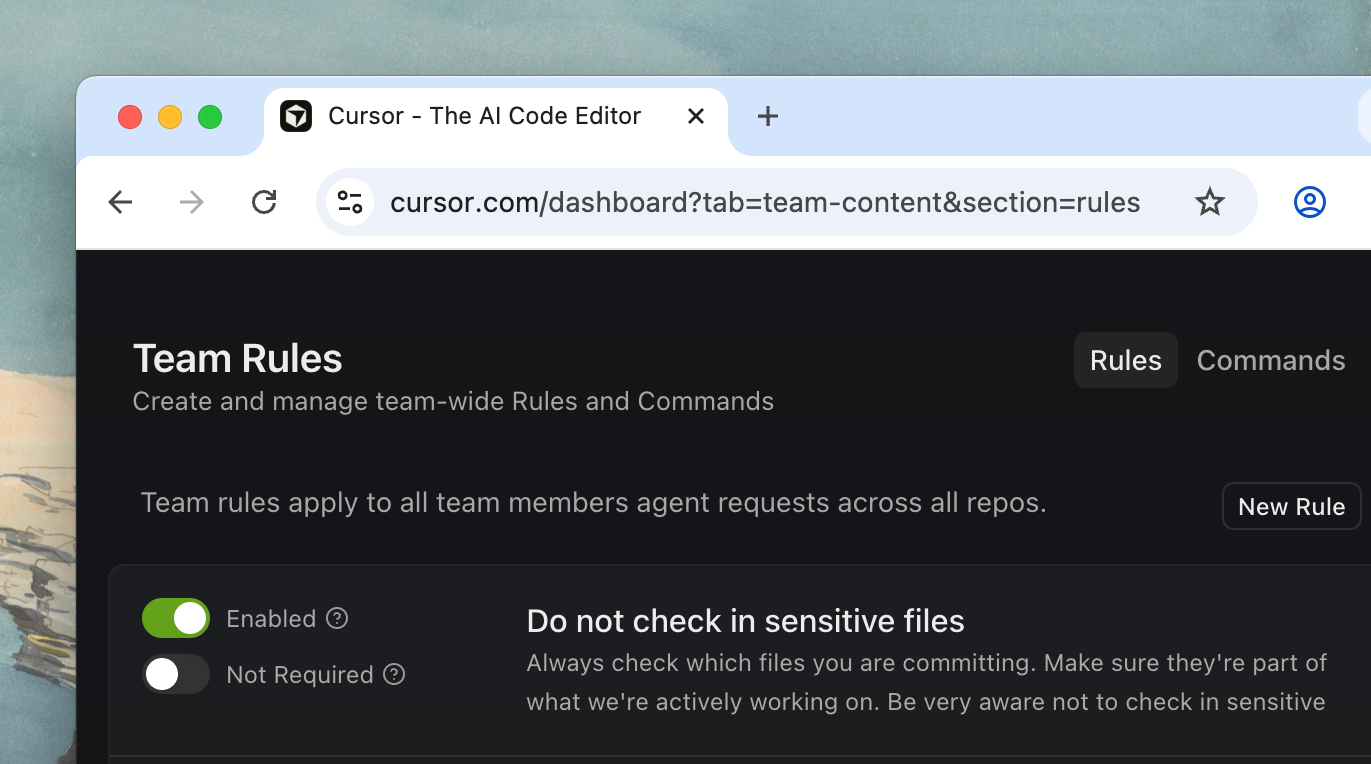
Define custom commands and rules for your Team in the Cursor dashboard. This context will then be automatically applied to all members of your team, without needing to store the files in your editor locally, and centrally managed by team admins. https://cdn.sanity.io/images/2hv88549/production/8b5e942ac4a17416e1e411b4d522f06f01a42e30-1371x764.png?auto=format
Control Agent with your voice using built-in speech-to-text conversion. You can also define custom submit keywords in settings to trigger the agent to begin running. Video: https://cdn.sanity.io/files/2hv88549/production/f1ccc6dc28be339c8c3697af9be9779f8d60e5b2.mp4
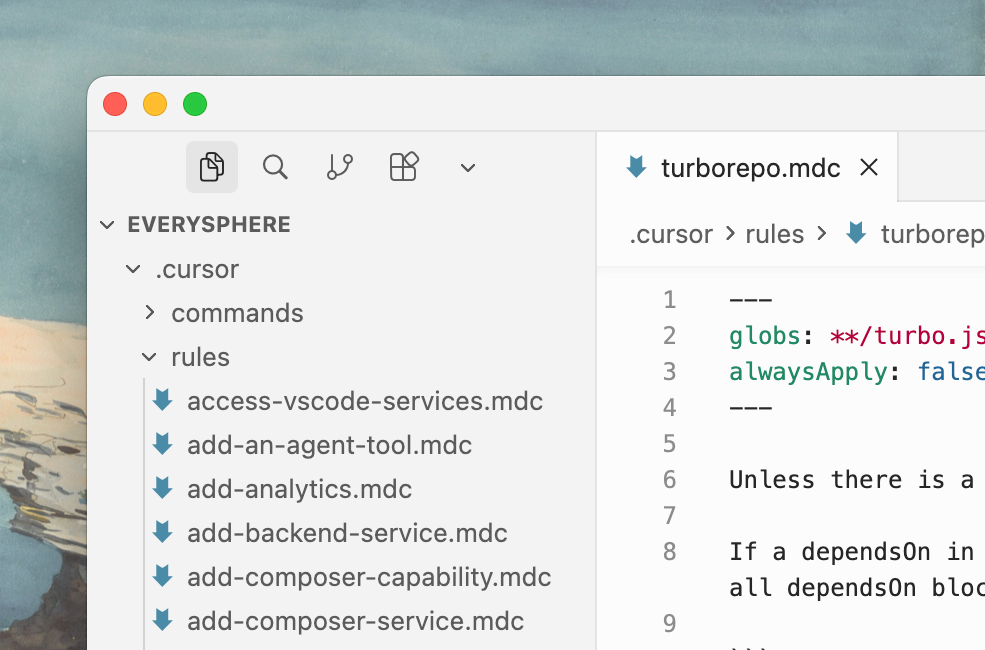
Share custom rules, commands, and prompts with your entire team. Create deeplinks through the Cursor Docs. https://cdn.sanity.io/images/2hv88549/production/1f713d218a7c73ab33d30784054243fbfdbec494-985x650.png?auto=format
Enterprise can now enforce standard settings for Sandboxed Terminals across their team. Configure sandbox availability, git access, and network access at the team level.
Enterprise teams can now distribute hooks directly from the web dashboard. Admins can add new hooks, save drafts, and select which hooks should apply to which operating systems.
View a timestamped log of admin events in Cursor: user access, setting changes, Team Rule edits, and member management events.
🚀 Improvements
Launched in beta in 1.7, browser for Agent is now GA. We’ve added additional support for Enterprise teams to use Browser in 2.0. Browser can now be embedded in-editor, including powerful new tools to select elements and forward DOM information to the agent. Learn more about using the browser. Video: https://cdn.sanity.io/files/2hv88549/production/0e795515f844148c8902c79ac41241b6d53b3e86.mp4
It’s now easier to view all changes from Agent across multiple files without needing to jump between individual files. Video: https://cdn.sanity.io/files/2hv88549/production/a6d569bdda67f7c349f8d343614406ca796769d9.mp4
Launched in beta in 1.7, sandboxed terminals are now GA for macOS. We now run agent commands in the secure sandbox by default on macOS with 2.0. Shell commands (that are not already allowlisted) will automatically run in a sandbox with read/write access to your workspace and no internet access. Learn more about sandboxing. Video: https://cdn.sanity.io/files/2hv88549/production/988f922156ea31ea5c4defb3f9d4a049e359b252.mp4
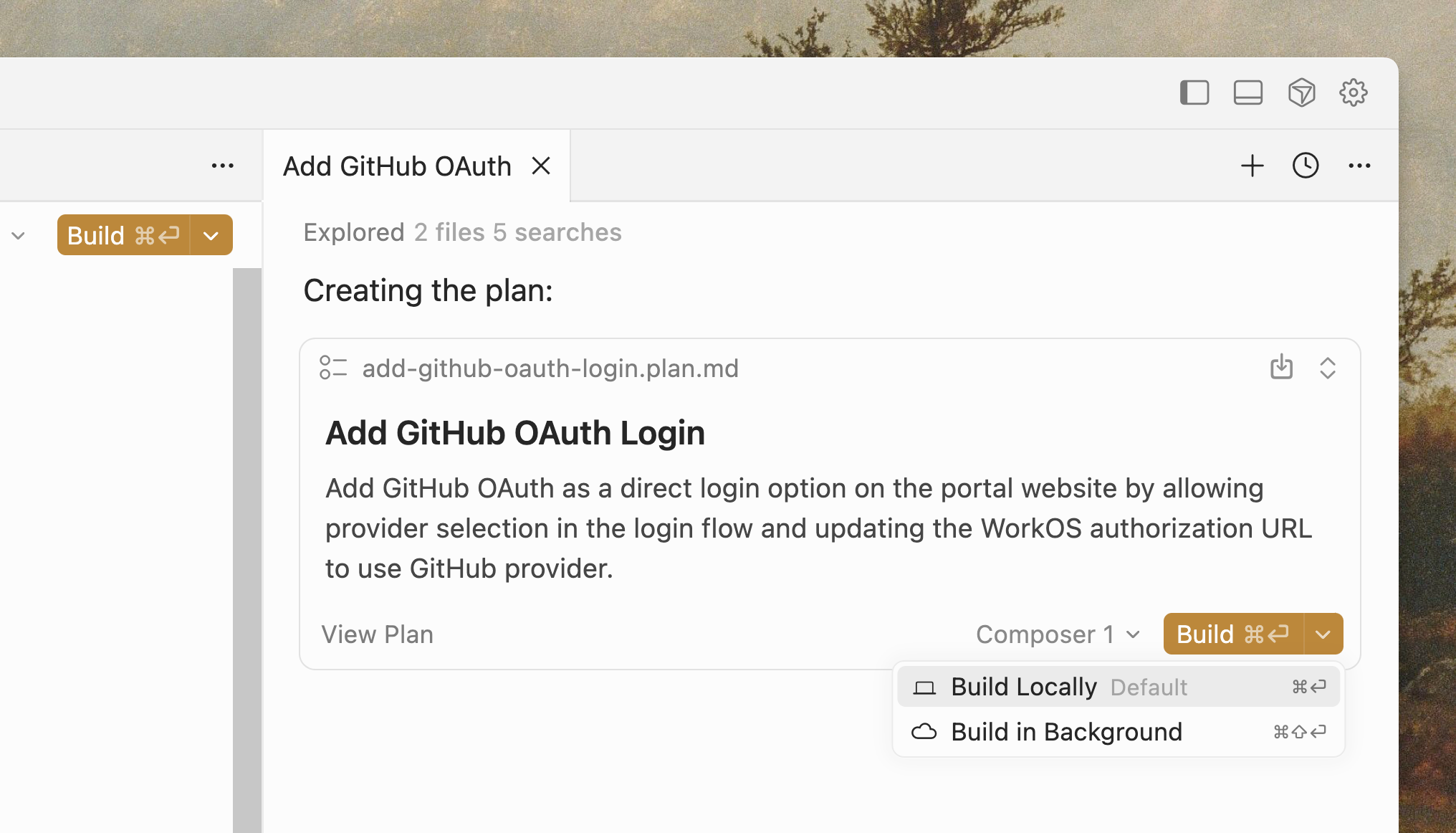
Create your plan with one model and build the plan with another. You can choose to build the plan in the foreground or background, or even plan with parallel agents to have multiple plans to review. https://cdn.sanity.io/images/2hv88549/production/c6cc7d3939aa125079bcf86ecd5d417f6e0d815d-2032x1162.png?auto=format
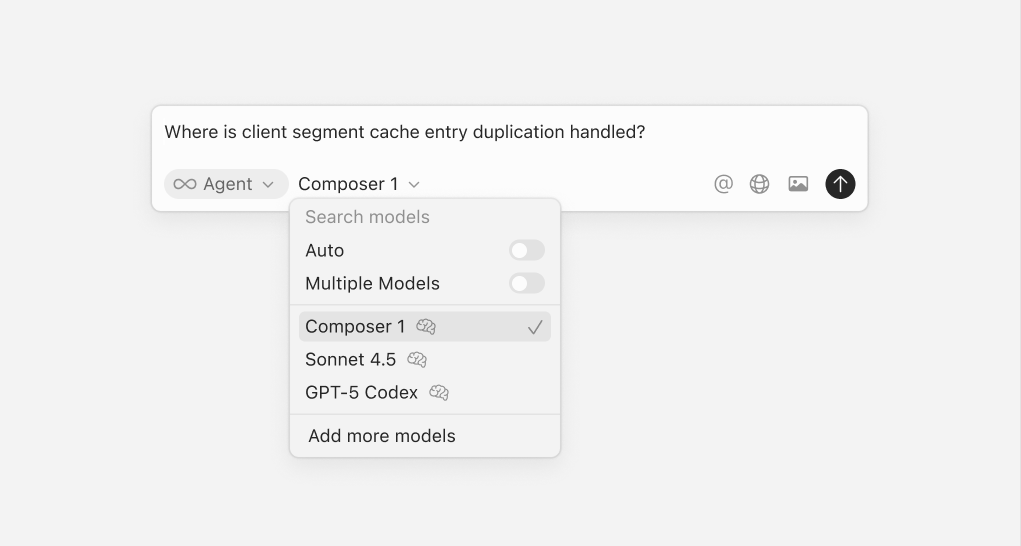
Files and directories are now shown inline as pills. We've also improved copy/pasting prompts with tagged context. We've removed many explicit items in the context menu, including @Definitions, @Web, @Link, @Recent Changes, @Linter Errors, and others. Agent can now self-gather context without needing to manually attach it in the prompt input. https://cdn.sanity.io/images/2hv88549/production/6d6a9c8760abfa5da30314949cfff834fa00bf80-1021x546.png?auto=format
We've greatly improved the underlying harness for working with Agent across all models. This has notable quality improvements, especially for GPT-5 Codex.
Cloud agents now offer 99.9% reliability, instant startup, and a new UI coming soon. We've also improved the experience of sending agents to the cloud from the editor.
⚡ Performance
Cursor uses Language Server Protocols (LSPs) for language-specific features like go to definition, hover tooltips, diagnostics, and more. We've drastically improved the performance of loading and using LSPs for all languages. This is particularly noticeable when working with agent and viewing diffs. Python and TypeScript LSPs now are faster by default for large projects with higher memory limits dynamically configured based on available RAM. We've also fixed a number of memory leaks and improved overall memory usage.